How to Extract Every Frame From a Video
Estimate the size of a full frame export and use a local video tool when you need every frame rather than a few stills.

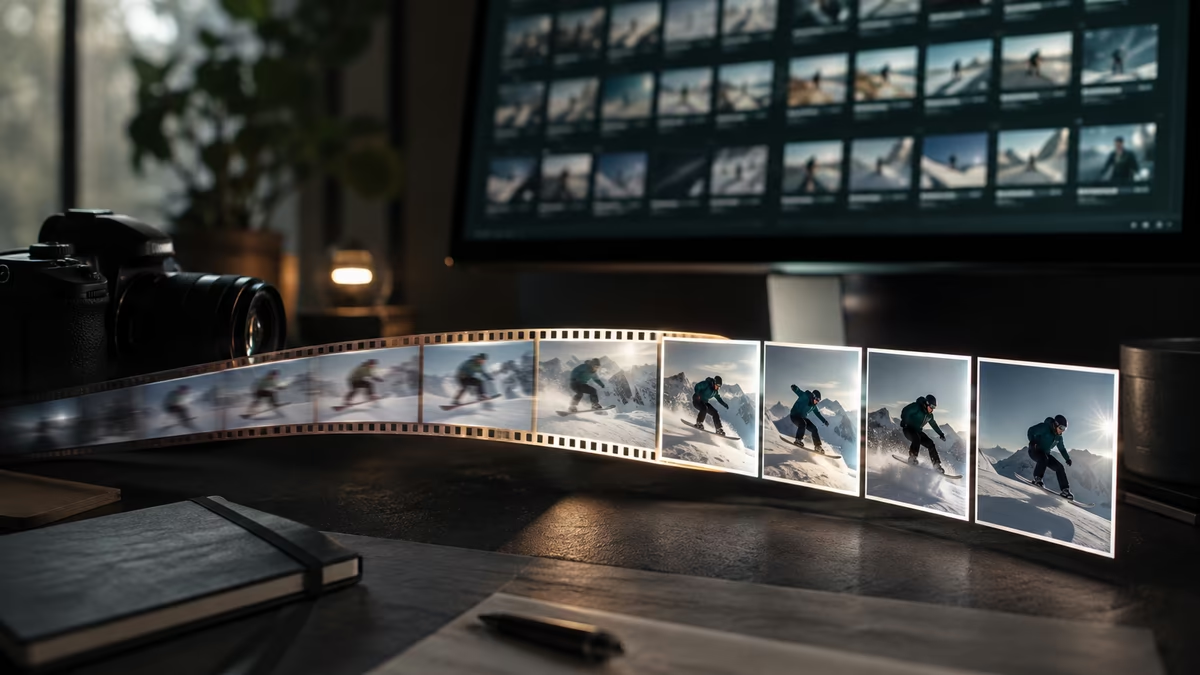
The number of images in a full export is approximately the video's frame rate multiplied by its duration in seconds. A one-minute clip recorded at 30 frames per second contains about 1,800 frames. The actual count can vary with variable-frame-rate footage and the way an editor interprets the stream.
Full extraction is useful for frame-by-frame inspection, animation reference, or a workflow that explicitly needs every sample. It can also create a large folder quickly. For storyboards or clip reviews, a smaller set of representative moments is usually easier to inspect.
The browser converter's limit
The quick capture tool on the home page saves one chosen still or ten samples spread across the clip. Separate image-sequence and FPS tools can sample a clip at a chosen interval or rate and download the results as a ZIP, up to 300 images. They sample video by time through the browser; they do not guarantee one image for every encoded source frame. For a complete source-frame export, use an editor or a local command-line utility.
For example, if FFmpeg is installed, this command extracts decoded frames from an input file as numbered PNG images:
ffmpeg -i input.mp4 frame_%06d.png
For one image per second rather than every frame, use:
ffmpeg -i input.mp4 -vf fps=1 frame_%06d.jpg
The first command can produce many large files. Test with a short clip, make sure you have storage available, and preserve the original video. For a smaller review set, choose a lower sample rate instead of generating images you will not use.
Plan the output
PNG avoids another lossy image-compression step, but photographic frames can require substantial storage. JPG is more compact and introduces lossy compression. Pick based on the downstream task, then check a few exported images before processing a long recording.
Keep frame numbering and the source filename together so the sequence can be traced back to its clip. If exact timing matters, retain timecode or use an editor that can report timestamps; a simple numbered sequence alone may not preserve all project metadata.
by Video to Image