How to Convert a Video Frame to JPG
Save a video still as JPG, understand the trade-offs of JPEG compression, and check the image before using it.
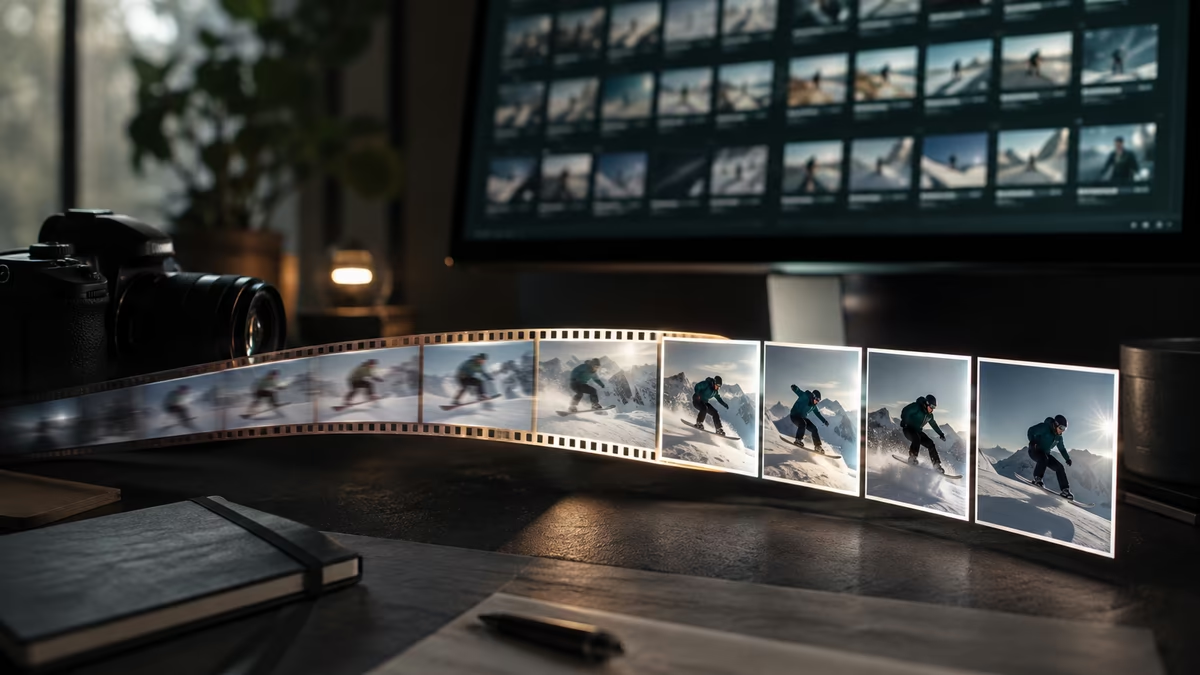
JPG is a practical format for a still frame from ordinary photographic footage. It keeps file sizes manageable and is supported by most image viewers and publishing tools. It is a lossy format, though: saving a frame as JPG encodes it again, so it is not a bit-for-bit copy of the video pixels.
Save a frame as JPG
- Choose the original video file in the converter and wait for the preview.
- Find the moment you want by playing or scrubbing.
- Use the step controls to adjust the position, then select JPG.
- Capture the frame and inspect the downloaded image at full size.
The current converter uses a fixed JPG encoding setting; it does not expose a quality slider. The resulting still uses the dimensions of the decoded video frame. A higher-resolution source gives you more pixels, but sharpness still depends on focus, shutter blur, source compression, and the moment you choose.
JPG or PNG?
Choose JPG for photos, landscapes, and natural color gradients. Choose PNG when the frame contains small text, interface elements, diagrams, or hard-edged graphics that may show JPEG artifacts. PNG uses lossless compression for the captured image, but it cannot reverse compression already present in the video.
If you need a master for further editing, keep the video and treat the exported image as a working copy. Repeatedly opening and saving a JPG can add more compression artifacts.
Find a sharper moment
A frame that looks clear during playback may be blurred when paused. Move a little before and after the target moment and compare the saved stills. This matters for moving subjects, handheld footage, and fast pans. If the clip uses variable frame rate, the step control is a time increment rather than a guarantee that each click advances exactly one encoded frame.
For a thumbnail or social image, capture the still first and do the crop or text treatment in an image editor. The converter extracts a frame; it does not design a finished thumbnail or resize it to a platform template.
by Video to Image