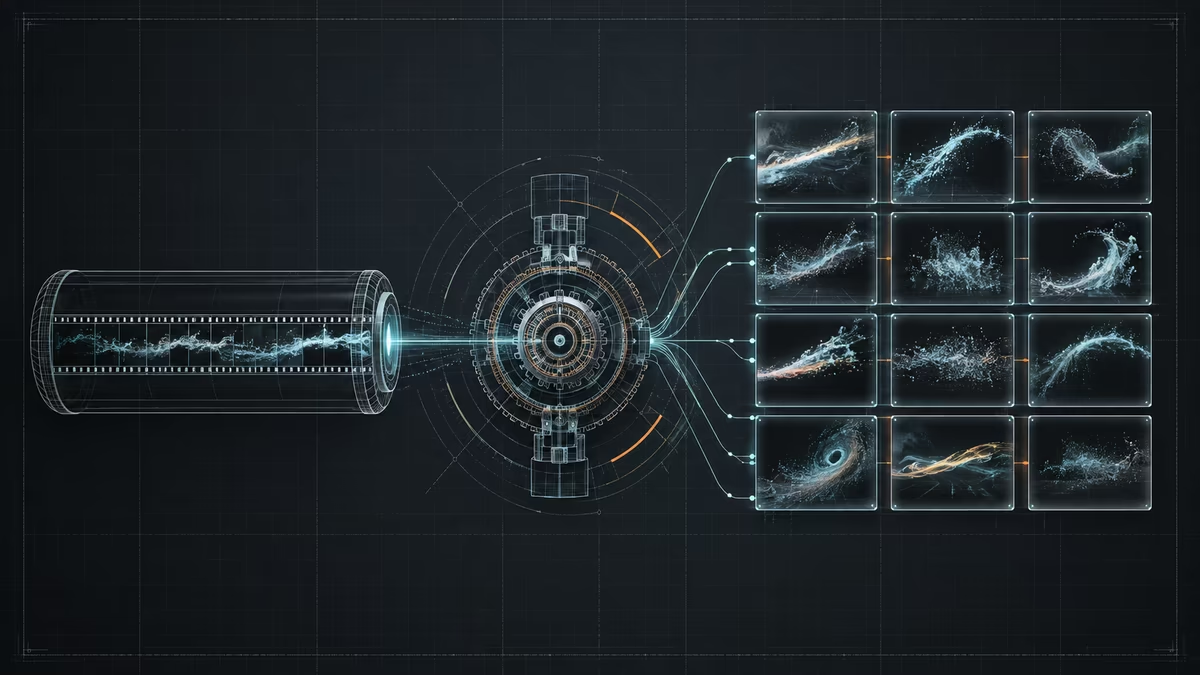
How to Make a Thumbnail From a Video
Choose a clear frame for a thumbnail, check its composition, and finish the crop and text in an image editor.

A thumbnail usually needs a clear subject and a composition that remains understandable when shown small. A video can provide several candidate moments, but the extracted frame is only the starting image; cropping, text, and final dimensions are handled separately in an image editor.
Choose a useful moment
Look for a frame where the main subject is recognizable, focus is sharp, and the background does not compete with it. If you plan to add a title, leave open space in the composition. Compare a few moments around the action rather than choosing only the most dramatic one; motion blur can make a paused frame hard to read.
Capture the source frame
Open the original clip in the converter, scrub to the candidate moment, and use the step controls to adjust it. Choose JPG for a photographic image or PNG for graphic edges, then capture and inspect the download. The converter saves the decoded frame; it does not crop to a platform's current template or add text.
A source frame that is too small or blurred will remain so after enlargement. Capture from the highest-resolution original available, and make a copy before resizing or cropping so the uncropped still remains available.
Finish and verify the design
Open the saved frame in an image editor and set the crop and dimensions required by the destination. Platform specifications can change, so check the current requirements where you plan to publish. Keep any text short enough to read in a small preview and make sure the thumbnail accurately represents the video.
Before publishing, view the image at the approximate size viewers will see. Check that the subject and text remain legible and that the design does not promise content the video does not contain. A thumbnail can help viewers understand a video, but no frame-selection technique guarantees clicks or audience performance.
by Video to Image