How to Create Product Photos From Video Footage
Plan product footage for still-frame capture, then select sharp views that can be refined for a product gallery.
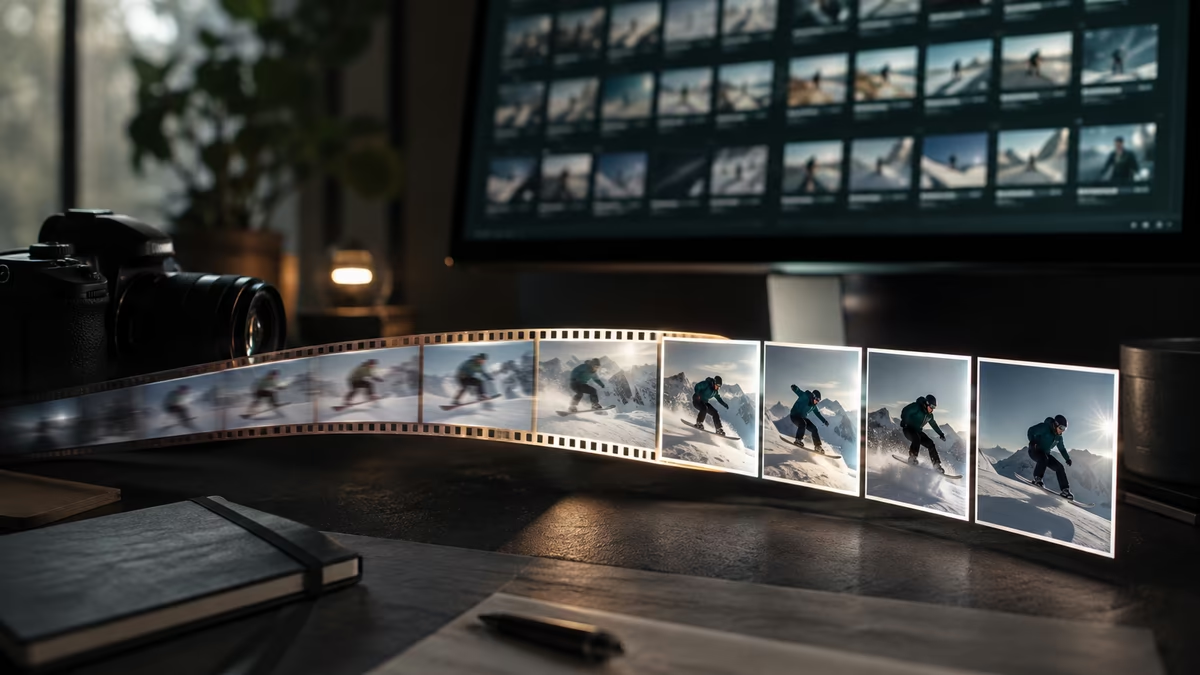
Video footage can provide candidate stills for a product gallery, especially when a product changes angle or has a detail worth showing. It does not automatically replace a planned photo session: motion blur, reflections, compression, and inconsistent framing can make a paused frame unsuitable for a listing.
Plan the recording
Use a stable camera position and light the product evenly. Clean the surface and background before recording because small marks can be visible in a still. Lock focus and exposure if your camera allows it, and pause briefly at important angles so there is a better chance of getting a steady frame.
For a rotating product, keep the speed consistent and avoid moving the camera at the same time. Record separate close-ups for details that would be too small in the wide shot. Check that the product is not clipped at the edges if you expect to make square or vertical crops later.
Select candidate frames
Open the original footage and scrub to a stable view. Capture a few candidates from the front, side, back, and any important detail. Use JPG for photographic views or PNG when crisp graphic edges are important. Then inspect each downloaded still at full size. Reject frames with blur, reflections that hide features, or a color cast that misrepresents the product.
The browser converter captures one chosen still or ten samples spread across the clip. It does not automatically create a gallery, select the best views, or process multiple videos as a catalog batch. Use a photo editor or catalog workflow for cropping, retouching, naming, and export.
Review before publishing
Compare the still with the actual product. Do not use a crop or edit that hides a material feature, changes color, or implies an accessory is included when it is not. Check the destination marketplace's current image dimensions and background requirements before preparing the final copies.
Keep the original video and uncropped stills. They make it easier to correct a crop or choose a different moment later.
by Video to Image